Fduke - Duke Nukem

Play Duke Nukem Online, without Port Forwarding, without Proxy server, without VPN, using Fduke you just join direct to play a game progress.
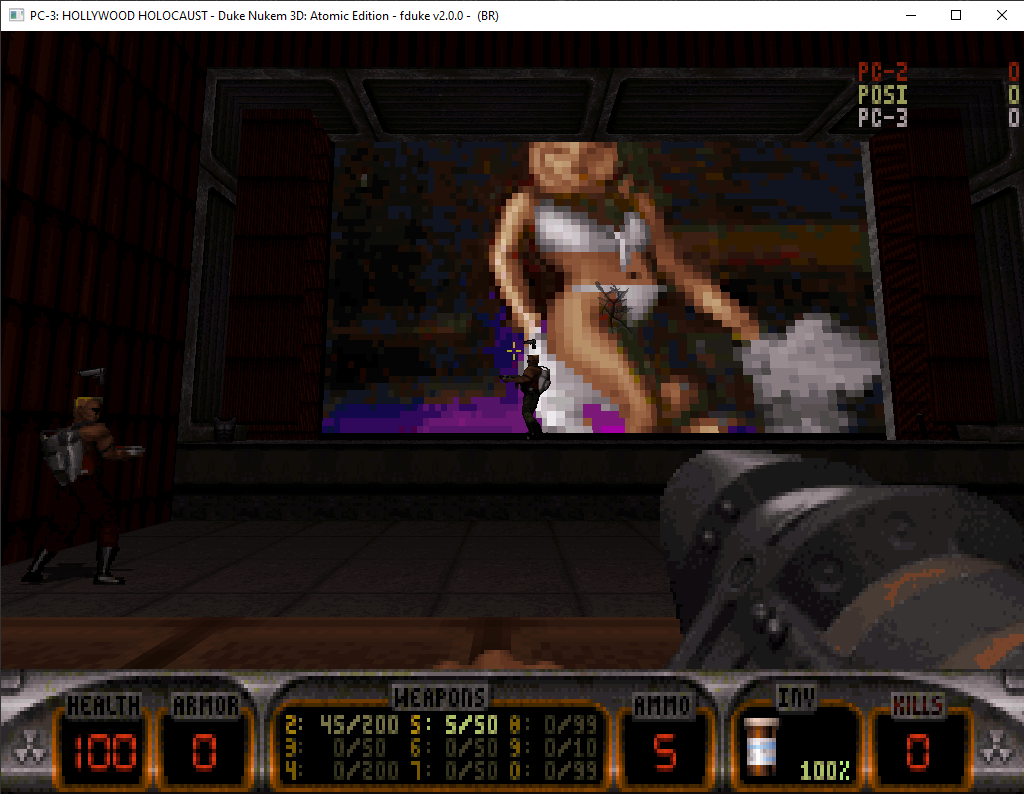
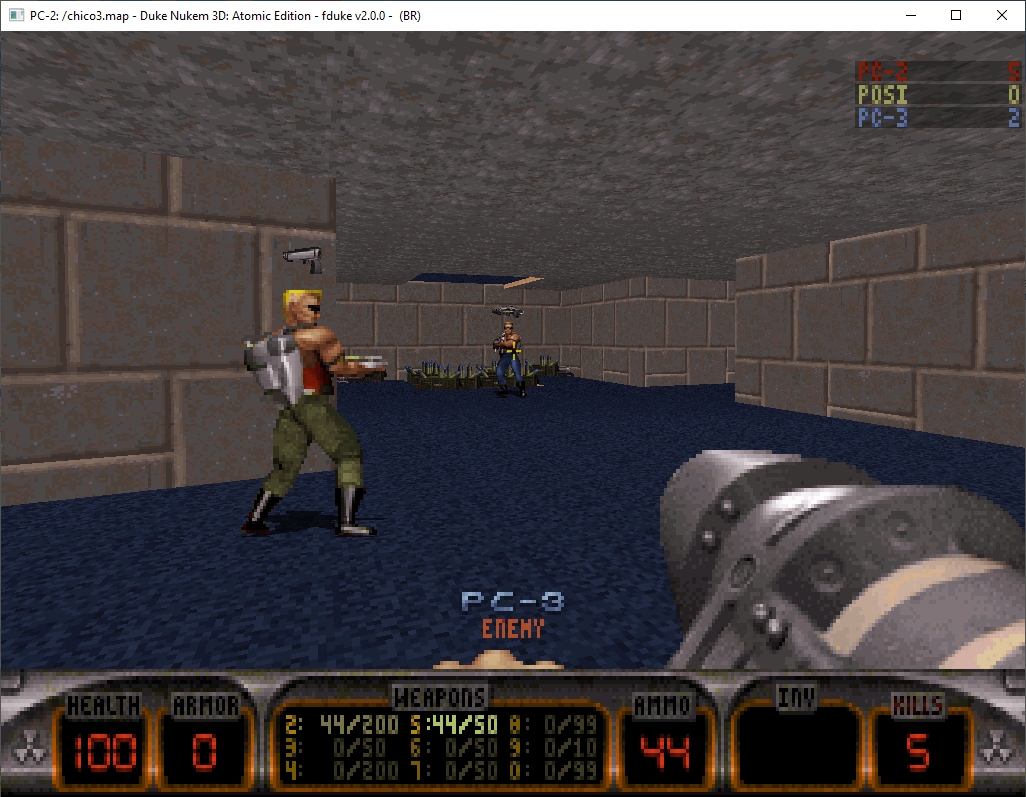
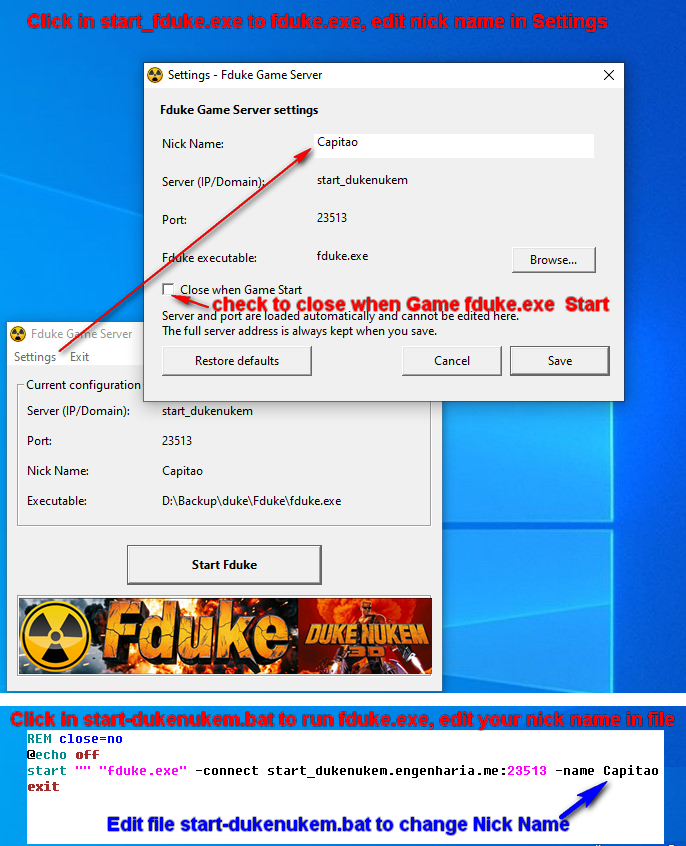
Change your Nick Name in file "start-dukenukem.bat" like the picture bellow, To Play all you need is click in start-dukenukem.bat and you in a game progress or use Windows start_fduke.exe do same but is a Windows applicator and you can change name click in Settings, you can use one or other, both files are same.
Download Maps (72)
- 1botlesM.map
- 1botlesz.map
- 1ledgesb1blue.map
- 4cornersdx.map
- 4squareGG.map
- 5room.map
- americaG1.map
- Ancare1.map
- BendOver.map
- bobzone944TWO.map
- bs.map
- cabana3d.map
- calamity.map
- canibus.map
- chico3.map
- City@War_v5s.map
- cloudw97.map
- CYARD.map
- CycoAlley_v3.map
- dethcit4.map
- DJ9c.map
- dodgball.map
- grip.map
- hrtattck.map
- humbest.map
- iod8.map
- Jhzk3.map
- Karnagex_v4.map
- kazoo-69.map
- kinghill.map
- ledgesb1.map
- ledgesc0.map
- looking.map
- lp531p.map
- mancer01BOB.map
- masacre2.map
- maze4.map
- mebebad.map
- middle.map
- minirpg.map
- moonwar5.map
- redalert.map
- ricochet_v3.map
- rooftop7.map
- Rpgmania.map
- SCUMITY5.map
- sgfrenzy.map
- shrinkinfernooctabrain.map
- sixskies2.map
- Skyline3.5x.map
- skywar3d.map
- spacejim1.map
- squish2.map
- ssl2.map
- stealth8.map
- stoneman.map
- swimming200.map
- the_rock_v2f.map
- Thrilll4U.map
- tnt.map
- train265.map
- trifort_spawn.map
- TTKCity6.map
- tworooms.map
- upsideg1.map
- usniper3.map
- vacadm5.map
- venom9.map
- wackoffnew.map
- warzone.map
- wwar9999.map
- WWF2.map
About Duke Nukem 3D and Fduke
Duke Nukem 3D is a classic first-person shooter game developed by 3D Realms and released in 1996. Using the EDuke32 engine, Fduke allows players to enjoy Duke Nukem 3D online multiplayer without the need for port forwarding, VPN, or proxy servers. Simply download the Fduke launcher, configure your nickname in the start-dukenukem.bat file, and join games directly over the internet. Fduke is the ultimate launcher for Duke Nukem 3D online play, compatible with the EDuke32 source port.
Keywords: duke nukem, duke nukem 3d, eduke32, fduke, launcher duke nukem, duke nukem online, play duke nukem internet, play duke nukem online, duke nukem multiplayer, duke nukem 3d online, free duke nukem, duke nukem download, duke nukem server, retro fps, classic fps, 3d realms, build engine